Tutorial 4 of 5
Graphs, algorithm steps and chained workflows
Intermediate 10 min
Use the instant graph preview, chain results into the next cell with “Continue with”, and step through Dijkstra on your own road network.
Instant preview, full analysis
Add a Graph cell. While you type functions such as y = x^3 - 3x Proofline draws an instant preview in your browser. It understands the usual functions (sin, cos, tan, exp, ln, log, sqrt, abs …), powers with ^, and products written as 2x or 3sin(x).
Press Run for the real analysis by the graphing calculator: roots, extrema and intersections as key figures, a precise figure (SVG or PNG download) and a table of values.
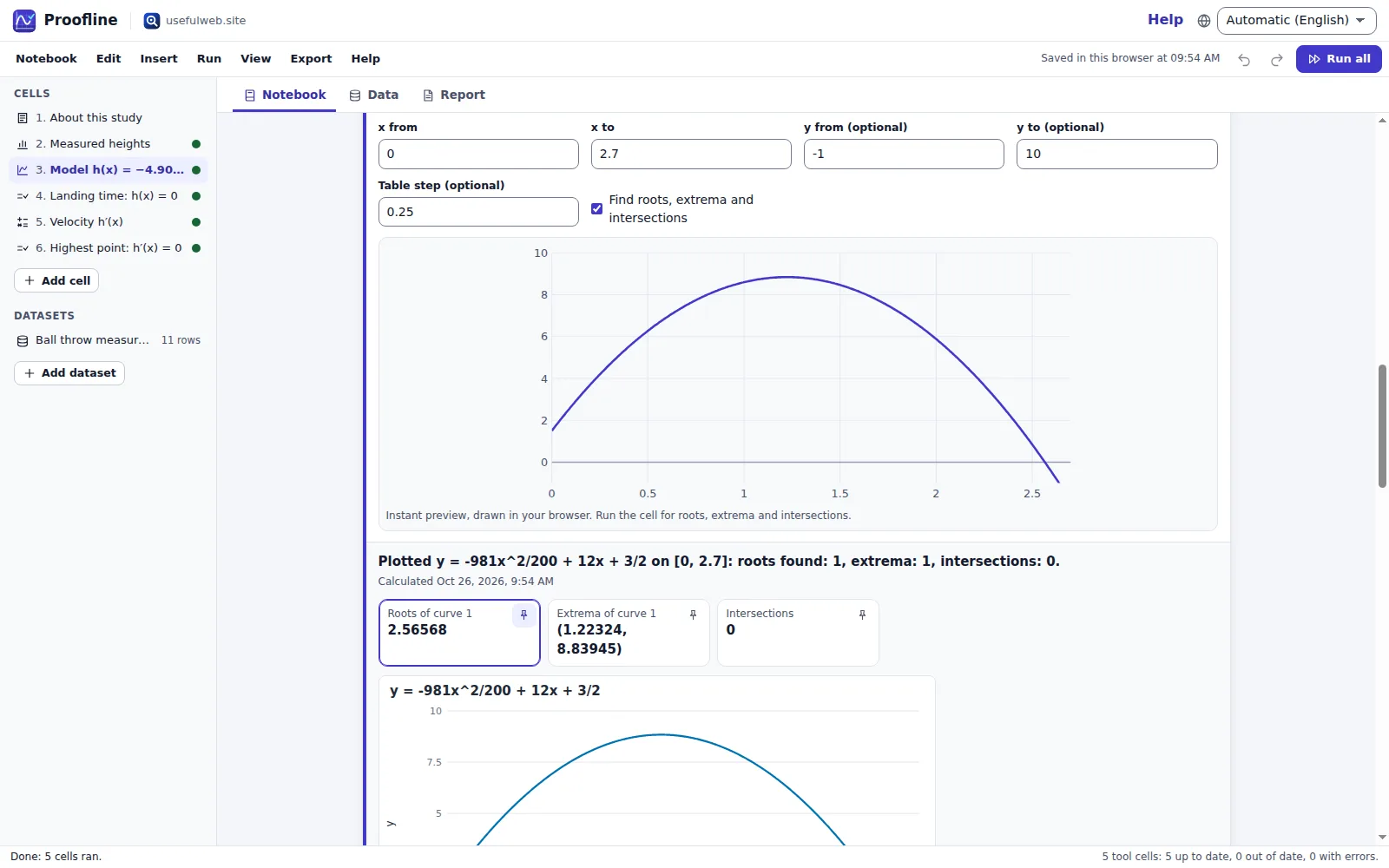
Continue with …
Below many results Proofline offers the next step:
| Result | Continue with |
|---|---|
| Equation solver (one equation) | Plot both sides — a graph of left side minus right side around the solutions |
| Math workbench: derivative, integral, simplify … | Plot the result, and for derivatives Solve result = 0 |
| Statistics: describe a sample | Fit a normal distribution, Confidence interval for the mean (keeps the dataset link) |
| Matrix lab | Use the result as a new matrix |
| Any result with a table | Save the table as a dataset |
| Graph algorithm, floating point, erasure coding | a variant with another algorithm, format or one more lost shard |
The template Projectile height study chains describe → graph → solve → derivative → solve in exactly this way.
Step through an algorithm
Open Delivery routes, run all cells and press Step through below the Dijkstra result.
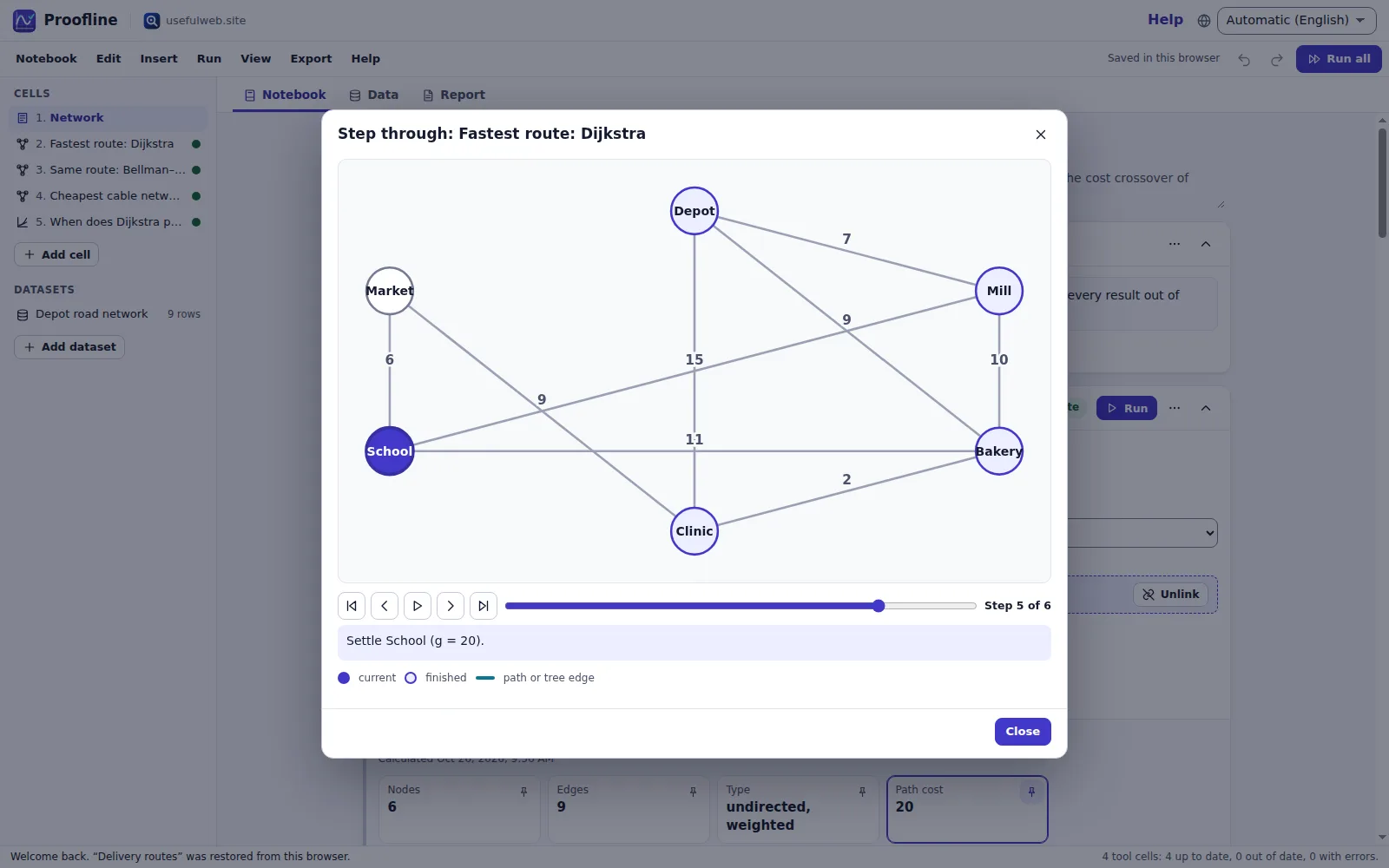
The player draws your graph, highlights the node being settled and the nodes already finished, and shows the tool's explanation of each step. Use the buttons, the slider or the arrow keys; Play advances once per second. On the last step the shortest path (or the spanning tree for Prim and Kruskal) is highlighted.
Ready to try it?